













Chrome Extension & Firefox Add-on
Proxy Manager & User Agent Switcher - SEOULTRA
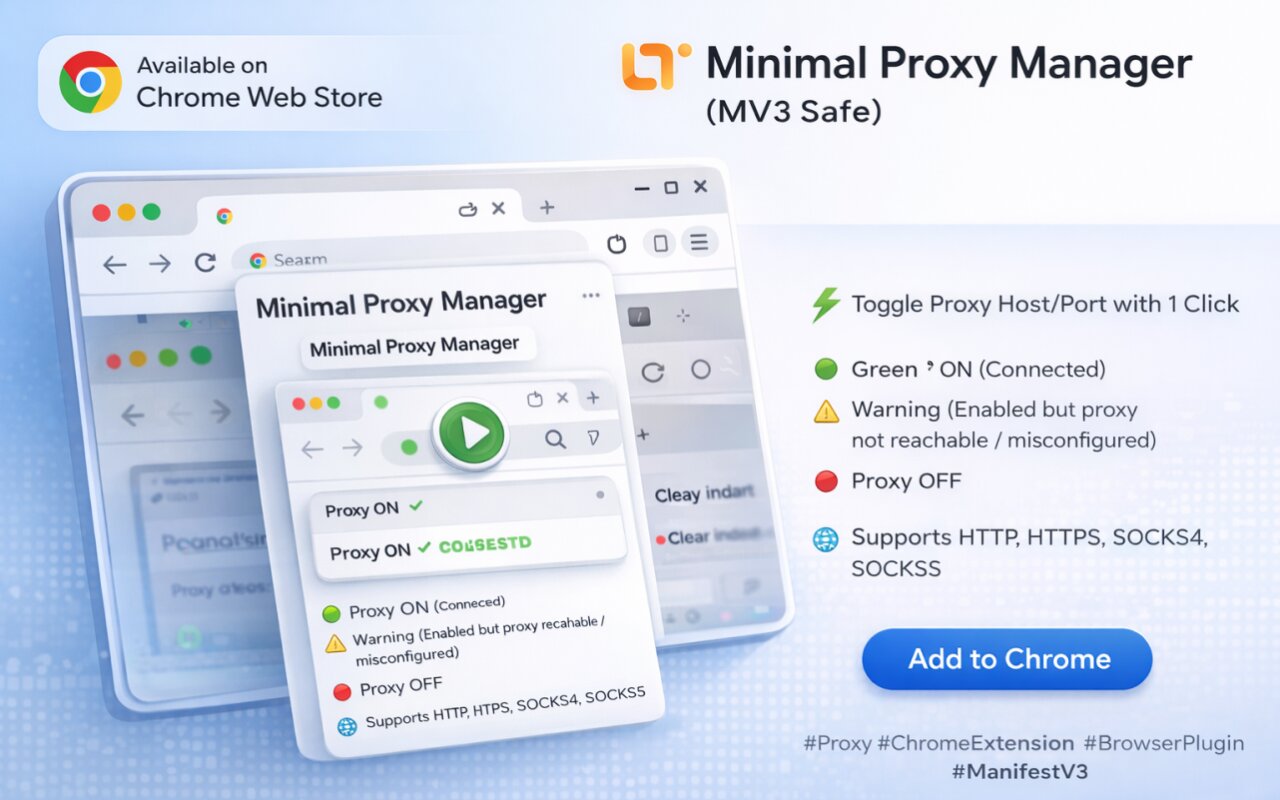
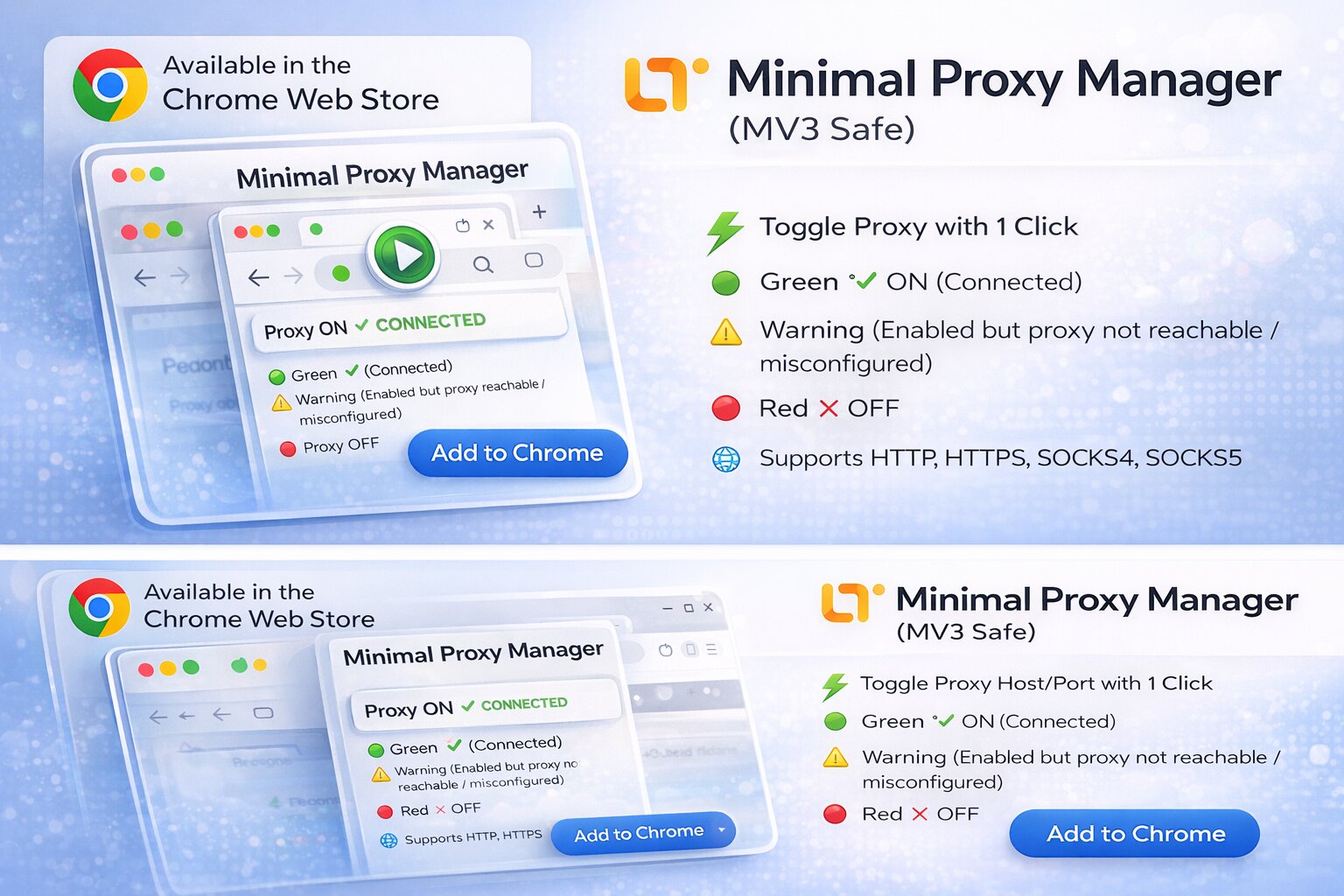
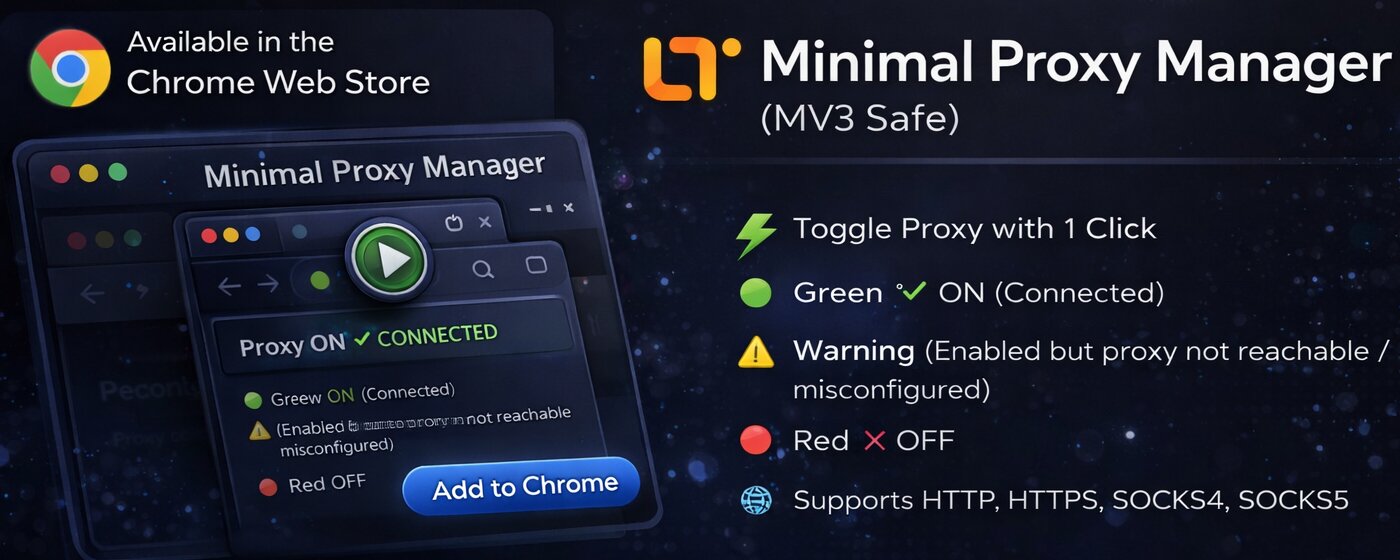
One-click proxy toggle and User-Agent switcher with 17+ bot presets. Mustang-style console popup with LED indicators. HTTP/HTTPS/SOCKS4/SOCKS5 support. No tracking, no analytics — everything stays local.
Colorful + Green
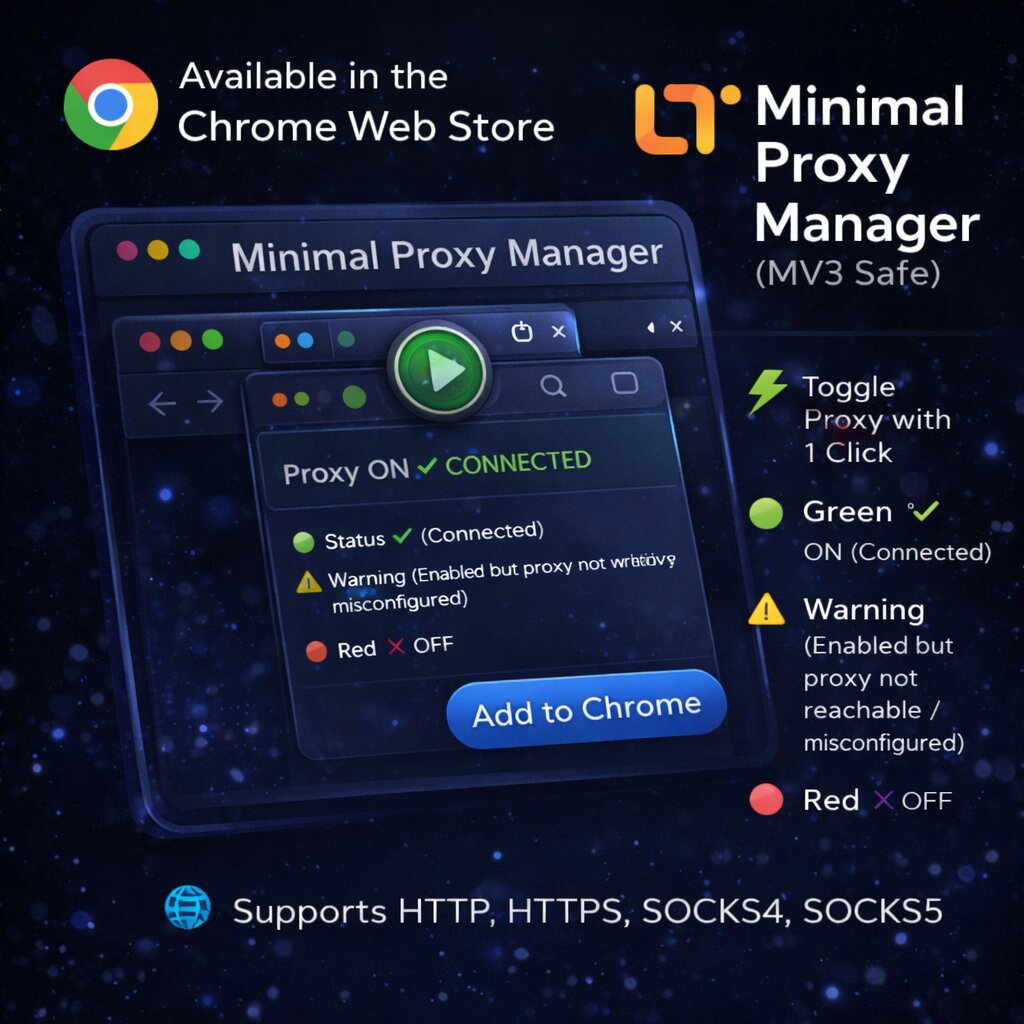
Proxy ON and connected.
Colorful + Red
Proxy ON but not reachable.
Grayscale
Proxy OFF.
+ Sunglasses Badge
User-Agent override is active.
Green LED
Proxy toggle is ON.
Cyan LED
User-Agent toggle is ON.
Proxy Features
- One-click proxy toggle from the popup.
- Supports HTTP, HTTPS, SOCKS4, and SOCKS5.
- Configurable host, port, and bypass list.
- Automatic connectivity re-check after every change.
- 6 toolbar icon states for instant status visibility.
User-Agent Switcher
- 17+ bot presets: Googlebot, Bingbot, GPTBot, ChatGPT-User, ClaudeBot, and more.
- Custom User-Agent text input.
- Independent toggle — works with or without proxy.
- Sunglasses badge on toolbar icon when active.
- Two-way sync between popup and options page.
Mustang Console Popup
Car-style vertical flip switches with LED indicators. Toggle up = ON, toggle down = OFF. Each switch has an icon on its lever: shield (Proxy), user (UA), gear (Setup), refresh (Update). Red glowing border with SEOULTRA logo header.
General
- Manifest V3-safe for Chrome and Firefox.
- Professional CSS design token system.
- Compact options page with inline form layout.
- Smooth popup open with pre-allocated dimensions.
- No telemetry, no tracking, no analytics. Open source.
Install Steps
- Install from Chrome Web Store or Firefox Add-ons.
- Click extension icon to open the console popup.
- Flip the Proxy switch up and configure in Settings.
- Select a User-Agent preset or enter a custom one.
- Flip the UA switch up to activate. Done.
Screenshots
Support Contact
Email: info[at]seoultra.id