













SEOULTRA Plugins
PasteFilterNew
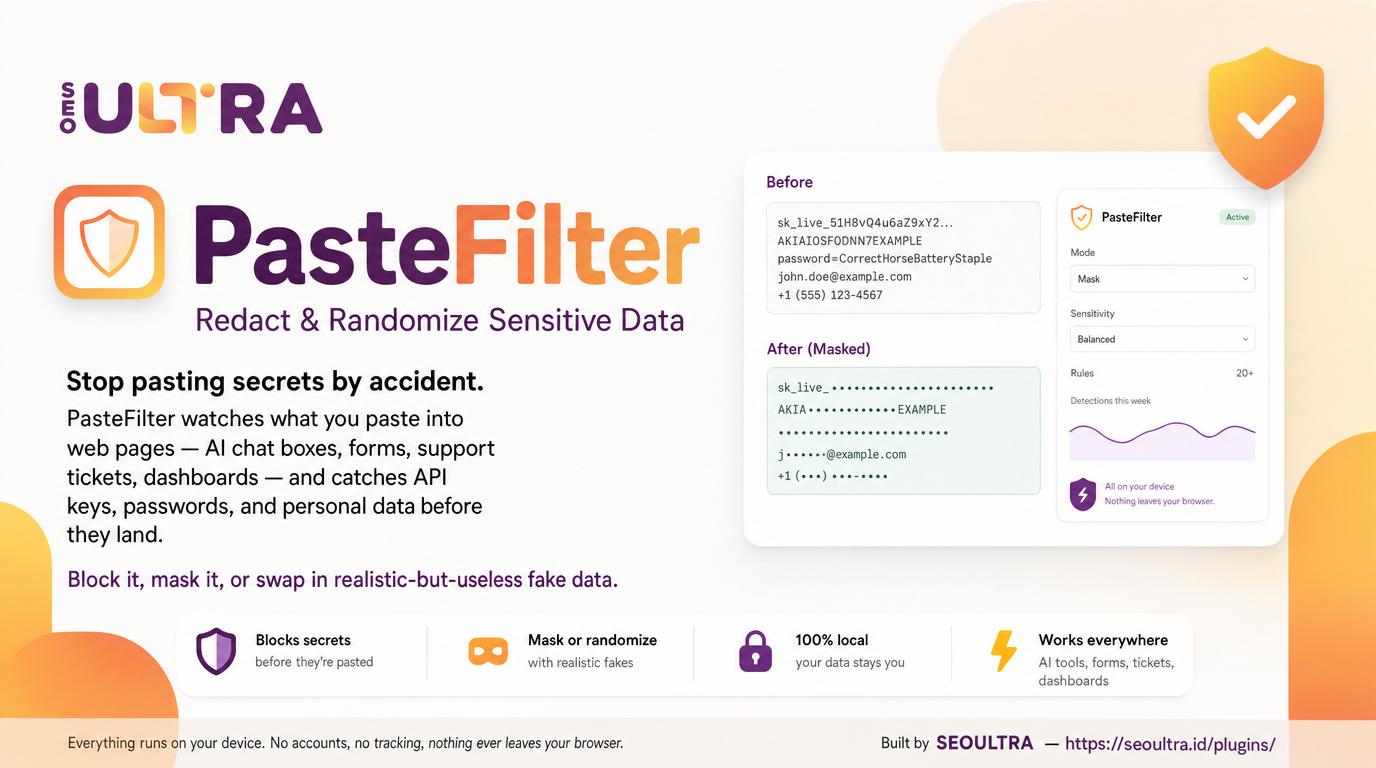
Privacy-first browser extension, it watch what you paste into web pages — chat box, form, ticket, dashboard — and catch API keys, passwords & personal data before they land. Block, mask, or swap in realistic-but-useless fake data. Everything run on your own device.
Chrome & Firefox stores coming soon lah
The Randomize mode
Instead of obvious [REDACTED], a credit card become another Luhn-valid but fake card, email become [email protected], IP become 203.0.113.x. The AI or form still get proper input — just not your real data.
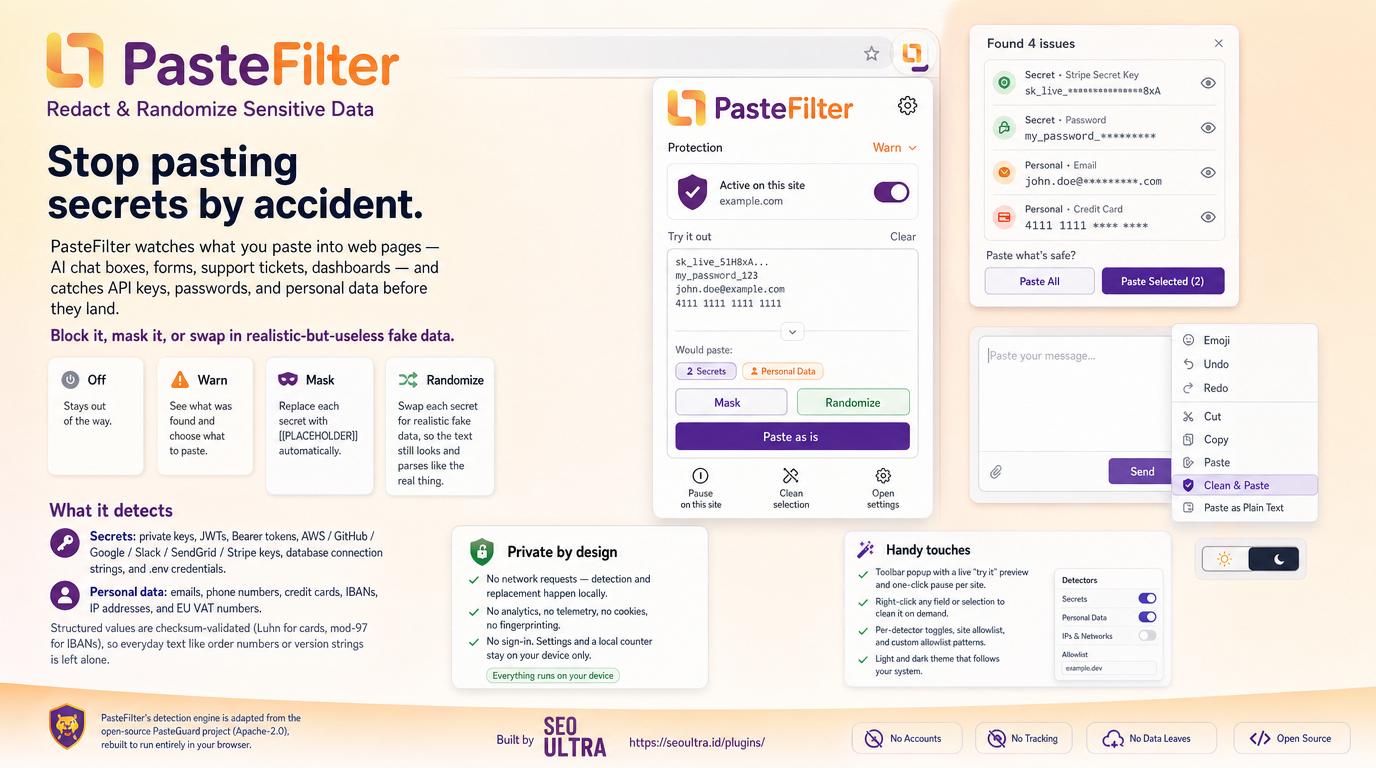
Four ways to react
Off
Stay out of the way.
Warn
Dialog show what got found, you choose.
Mask
Change each secret to a [[PLACEHOLDER]].
Randomize
Swap each secret for realistic fake data.
What it detect
Every structured match got validated locally, so normal text like order number or version string sure no kena touched.
Secrets
Private keys, JWTs, Bearer tokens, AWS / GitHub / Google / Slack / SendGrid / Stripe keys, database connection strings and .env credentials.
Personal data
Emails, phone numbers, credit cards (Luhn), IBANs (mod-97), IPv4/IPv6 addresses and EU VAT numbers.
Private by design
No network request. No analytics, telemetry, cookie or fingerprinting. No sign-in. Settings and local counter stay on your device only.
Install from source
Until the store listing go live, you can load it unpacked:
- Open
chrome://extensions(oredge://extensions). - Enable Developer mode.
- Click Load unpacked and select the extension folder.
- Firefox:
about:debugging→ This Firefox → Load Temporary Add-on → pickmanifest.json.